Clickatell's unique Personalized Priority Messaging
Redwood City, CA - Clickatell, the global leader in Personalized Priority Messaging (PPM) through all media devices, today announced its new US small business SMS messaging package to enable US companies to easily and affordably interact with and help customers via simple text messages. The new package introduces an attractive new mobile messaging medium to millions of small businesses that need to better reach, retain, and engage with customers in cost-effective ways.
Clickatell's unique Personalized Priority Messaging via mobile devices is under-recognized as the most powerful and efficient digital channel for customer engagement. It addresses a critical need for businesses of all sizes to differentiate themselves by developing customer relationships through being more helpful. Key small business applications for PPM are demand creation, customer engagement, service delivery, transactional messaging, and risk mitigation.
SMS messages have been proven to generate 10x or higher direct response rates than other media, averaging between 15-45 percent versus a typical 1-5 percent for popular forms of direct marketing. Text messaging also has a 5x higher open rate than email (98 percent vs. 20 percent). Text messaging is capable of reaching 91 percent of people and is used by 64 percent of the U.S. population, versus only 26 percent using Twitter and 42 percent using Facebook. In addition, mobile messaging enables much more targeted, personal interaction and receipt notification than popular social media engines.
"Mobile phones and text messages represent an unmatched way for just-in-time communications and two-way interactions that provide highly valued alerts, notifications, updates, answers, verifications, confirmations, and perishable offers that meet the needs of today's consumers," said Pieter de Villiers, CEO of Clickatell. "SMS messages are capable of being embedded in virtually every customer-critical business process to automate helpful processes and more meaningful engagement, and we are making it easy for small businesses to get on board."
Built on a history of more than ten years of successful global mobile service delivery and trusted by more than 13,000 customers, Clickatell's new monthly service for US small businesses, starting at just $24.95 per month, includes a dedicated number and up to 1,000 free outbound text messages per month. Additional outbound text messages are as little as 2¢ per message, and all incoming customer messages are free of charge.
Small businesses can get started in just five minutes from any web browser - no download or installation is required to get the Communicator 2 application from Clickatell up and running on the service. With Communicator 2, customers can easily import existing contacts and take advantage of time-saving contact management, quick-message templates, and powerful reporting for better intelligence on SMS initiatives. A dedicated US number is quickly assigned, allowing 2-way communication with customers within minutes of signup.
"Communicator 2 is made for emerging businesses that want to embrace the power of mobile messaging and do it without requiring special resources or advance planning," added de Villiers. "It is ideal for companies that want to better interact with customers in a way that has much better reach and response than traditional forms of direct marketing."
Application Developers' Delight
The new US small business SMS offer is also well-suited for developers who want to create helpful customized web or mobile applications that leverage the power of text messaging. Developers simply sign up for a Central SMS gateway account and select the "US small business" option. The Clickatell SMS gateway offers easy API integration, flexible APIs for ease of use, and powerful reporting features. Developers also get the benefit of a dedicated long number, free incoming text messages, and up to 1,000 free outbound text messages per month. The Central platform has wide coverage, including every major mobile operator network in the United States, and offers easy set-up through a choice of four well-documented APIs, including HTTP(S), COM objects, SOAP, and XML. Developer support includes developer forums, 24/7 phone and email support, and extensive script libraries available for PHP, VB.Net, VBScript, Cold Fusion, C#, and Oracle to make light work of heavy integration procedures.
As the world's largest provider of PPM services, Clickatell has provided customers with real-time, priority alert messaging through its Secure Enterprise Mobile Messaging Gateway since 2000. Clickatell works globally to provide applications that help brands increase customer contact and conversation, form social communities, motivate and reward buying or referral behavior, deliver just-in-time deals and incentives, as well as prompt usage, consumption or purchase. Additionally, organizations tap Clickatell for programs that assist partners and employees with process or operational improvement, cost reduction initiatives, disaster avoidance, emergency management and a host of other mission-critical goals.
About Clickatell
We create a better world through technology, making commerce in chat accessible for everyone, everywhere. Consumers can now connect with brands to find goods and services, make purchases, track orders, and resolve issues with a simple text or chat. No need for cash, phone calls, in-person interactions, or apps. Founded in 2000 with now over 10,000 customers, Clickatell is powering the digital commerce transformation. Clickatell is headquartered in Silicon Valley, CA and has offices in Canada, South Africa, and Nigeria (www.clickatell.com).
Latest Press Releases
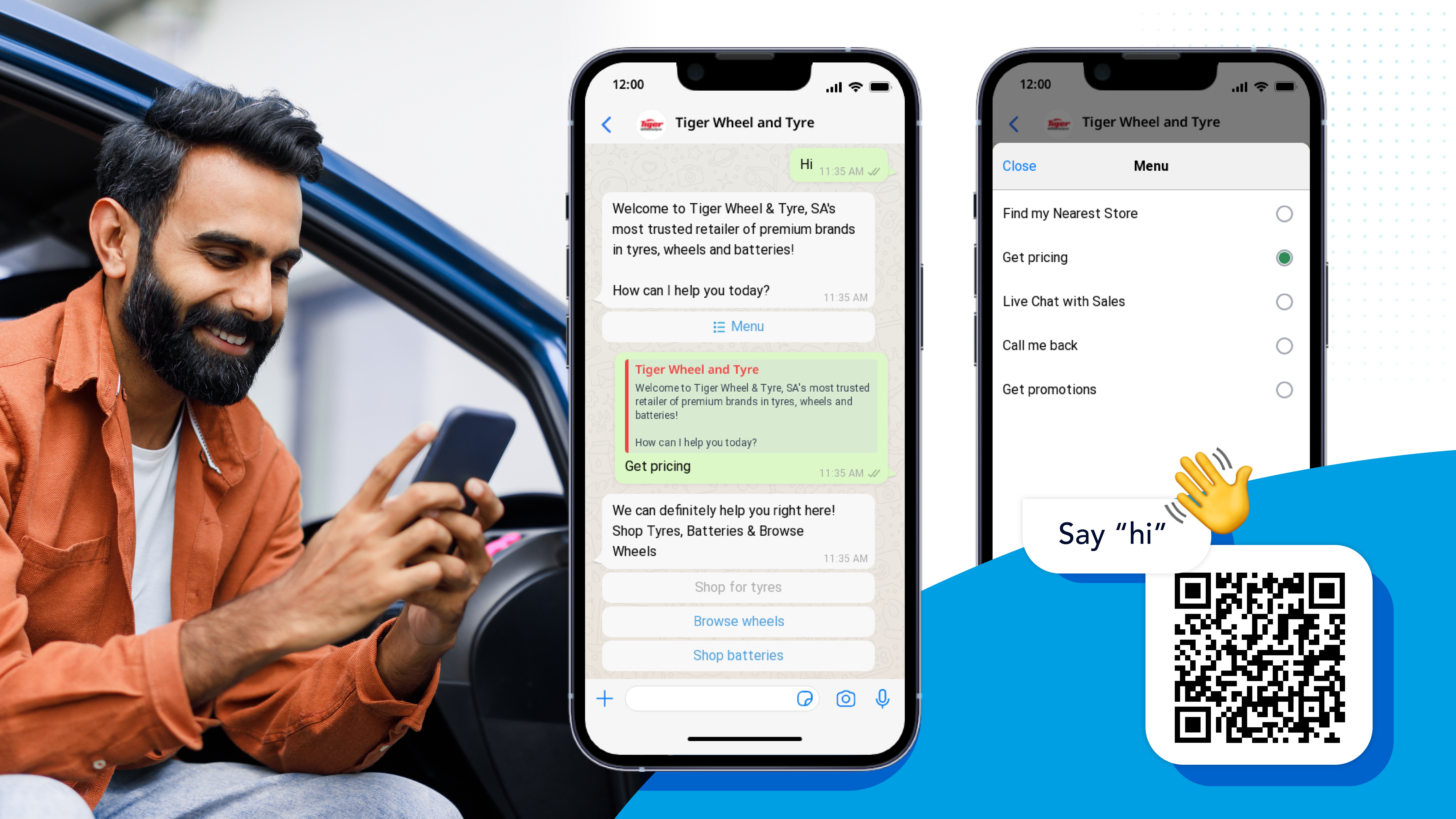


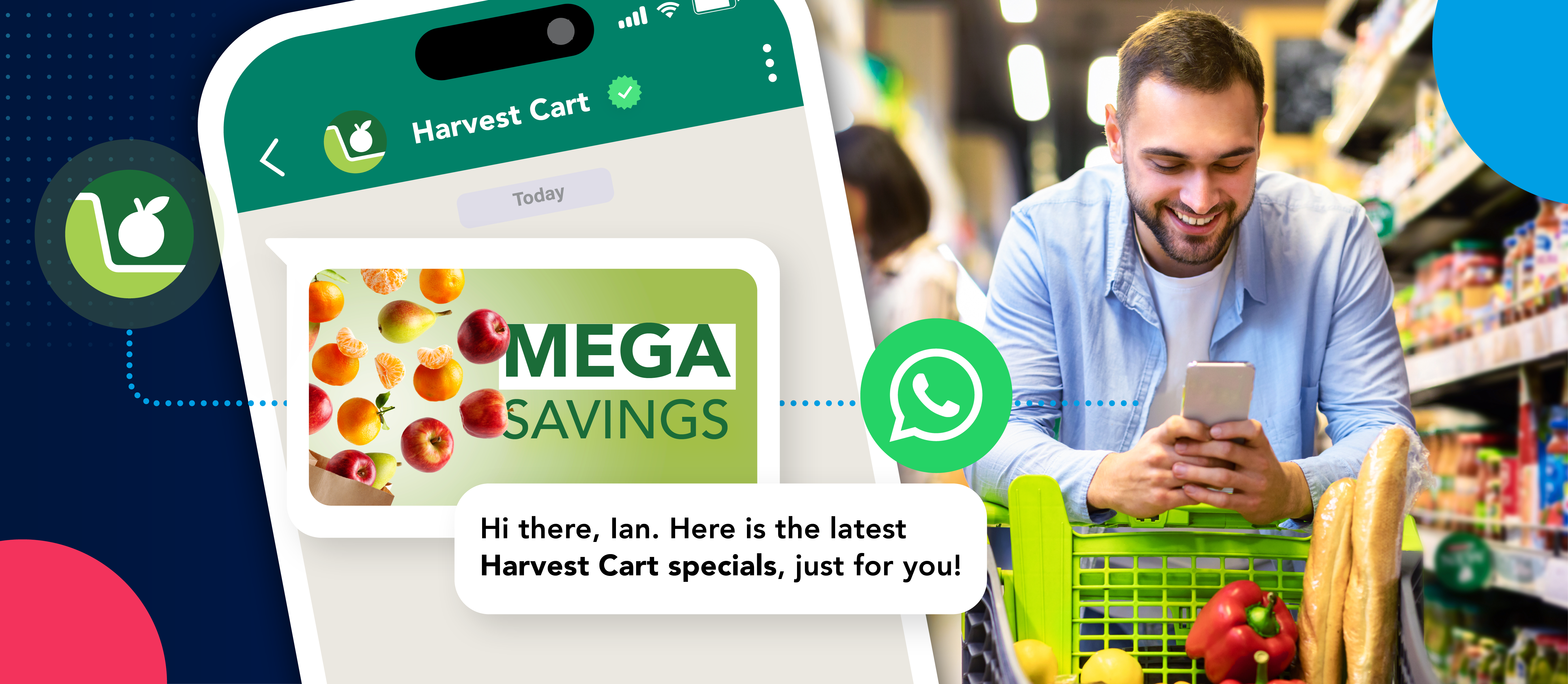


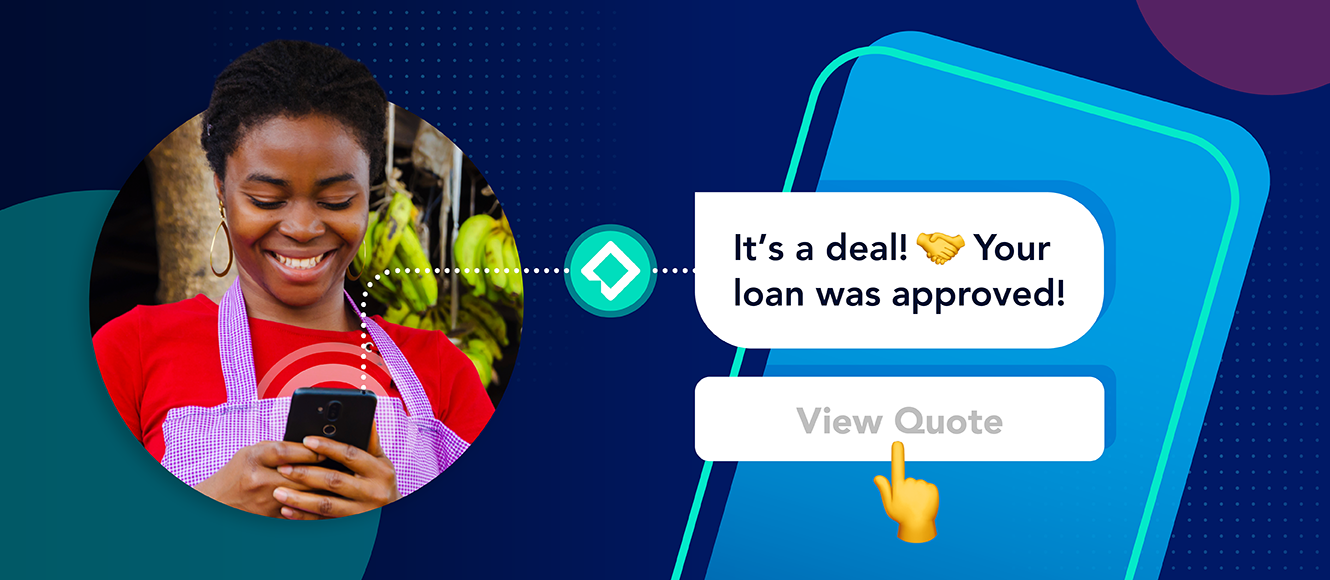


Step into the future of business messaging.
SMS and two-way channels, automation, call center integration, payments - do it all with Clickatell's Chat Commerce platform.